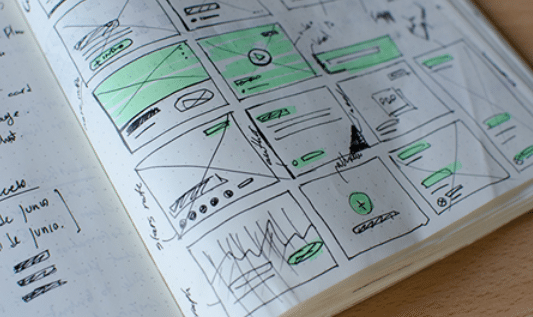
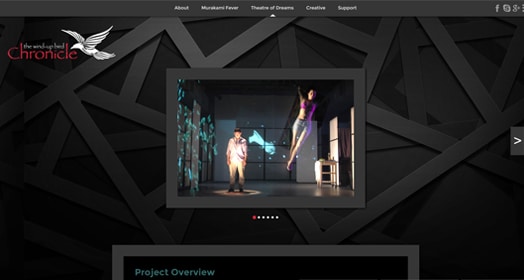
They say a picture is worth a thousand words. An image can communicate powerful ideas and emotions that simple text can't always explain.
Nowhere is this more true than on the Web, where graphics enhance a site's experience, support its content, and create a visual hierarchy. Logical and intuitive interface designs help us to figure out (often subconsciously) how content is organized and what information is important.
This course covers the essentials of making superior Web graphics and interface designs using Adobe Fireworks. We'll explore the technical fundamentals you need to know, including the Fireworks toolset and features, and discuss tips and techniques for the wide range of graphics encountered in a typical Web design project, such as photographs, illustrations, animations, rollover buttons, interactive menus, and advertisements.
In six hands-on lessons and exercises, you'll use Fireworks to create fully functional Web pages and prototypes, timesaving batch processes, attractive and well-optimized photos and illustrations, and animations and interactive navigation features. You'll also explore professional case studies and learn how to use design principles to shape your personal style.
Lesson One begins with the "big picture" of Web graphics: how different factors such as usage, image type, and target file size influence the process of creating Web graphics. You'll explore the Fireworks toolkit and learn the technical fundamentals every designer must know including basic drawing, type, and exporting tools. In your first exercise, you'll analyze the graphics used on a Web site of your choice, and create your own interactive tourism map and fact page, drawn completely in Fireworks.
In Web design, every project brings a new challenge, and oftentimes, a host of different file formats too. Lesson Two surveys the range of source file formats you're likely to encounter in your design projects, and how to choose the right Web output format. You'll then delve into the main types of images: photos, illustrations, and text-as-graphic. You'll learn to work with each of these using specialized Fireworks features including filters, color correction commands, the Pen tool, and typography properties. The exercise will have you working with source files and image editing techniques to create a home page for a cozy bed and breakfast Web site.
Web graphics need to be optimized to load quickly—users don't like to be kept waiting. But you needn't resign yourself to dull, squashed-looking graphics. Lesson Three looks at optimization strategies you can use to get the biggest bang for your buck and creatively reduce your file size. You'll explore anti-aliasing, matting and transparency, image slicing, interlacing, and more. You'll learn the hows and whys of each technique as you go, along with important exporting concerns. Your exercise will bring you into the fashion world, creating a fashion designer's home page, and optimizing its graphics effectively.
If you're a Web designer, interface design (the placement, shape, and depth of navigation bars, buttons, and icons, and so on) should be one of your top priorities. Lesson Four explores the advantages of using Fireworks for this purpose. As you'll discover, it's easy to lay out your designs and create attractive, effective navigation. The lesson explores these parameters by guiding you step-by-step through the creation of a home page prototype that you can export as HTML. You'll be creating your own in no time, like in the exercise!
A lot of low-bandwidth animation and interactivity on the Web is produced in Fireworks, not Flash. Lesson Five looks at techniques for producing various kinds of GIF and SWF animations: banner ads, highlights, and more. It also covers the fine art of producing JavaScript effects including button rollovers and pop-up navigation menus. In the exercise, you'll create a complete promotional package including a series of animated banner ads and a destination page with interactive navigation.
Lesson Six wraps up your course with a look ahead at where you can take your Fireworks skills. You'll learn how Fireworks integrates with the Adobe Creative Suite applications, and how to structure your sites efficiently. You'll try out batch processing techniques to manipulate lots of images at once, and you'll explore design principles that help professionals find their personal styles. This leads to an open-ended final project in which you'll integrate everything you've learned into a multi-page luxury Web site.